Update personal data

Automatically translated
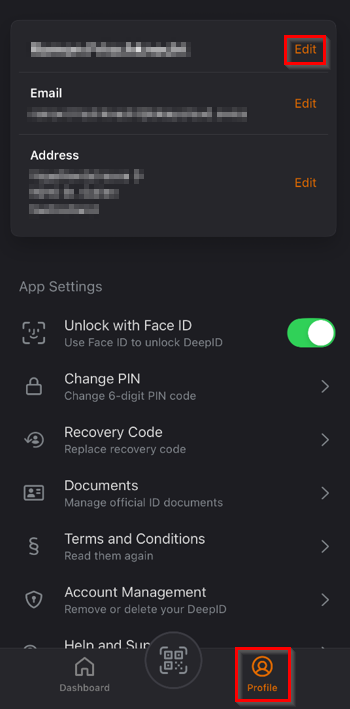
In the DeepID app under “Profile” there is the option to edit various personal data.
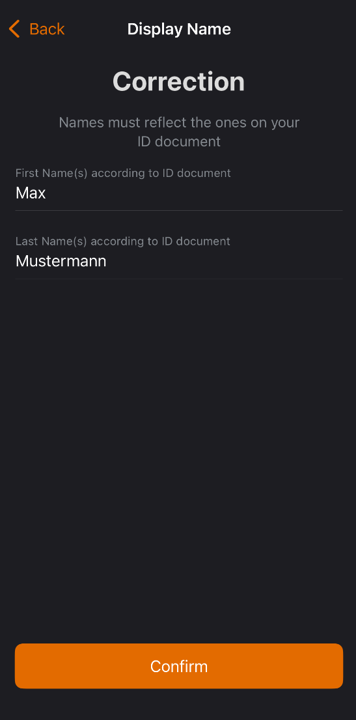
Customize display name:
The display name consists of at least one official first and last name and can be customized. The official names must match the stored identification documents.
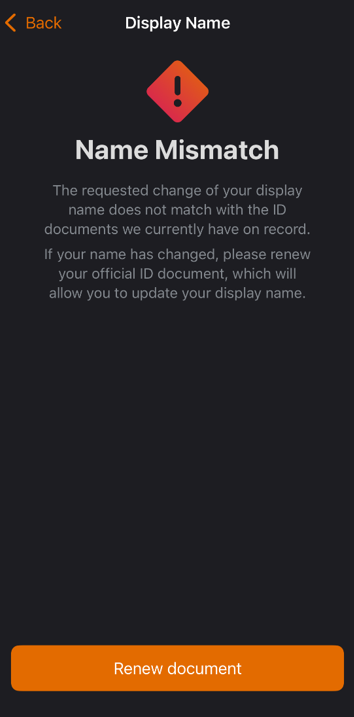
If there is a major change of name (e.g. due to marriage), you will be informed that you must first submit a new identity document (“Renew document”).
When DeepID is connected to a DeepCloud account, the name changes are automatically synchronized. If the name is changed in DeepID, the change is also applied to the DeepCloud account.
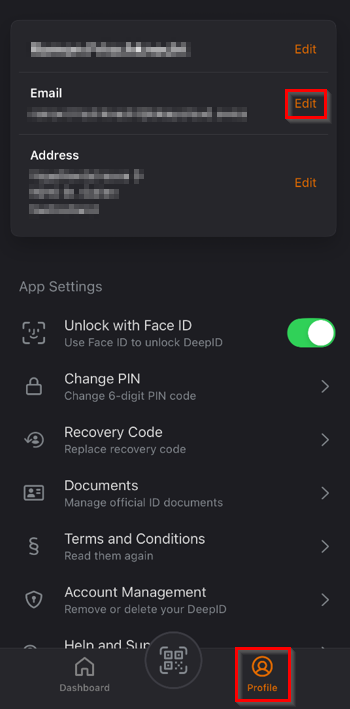
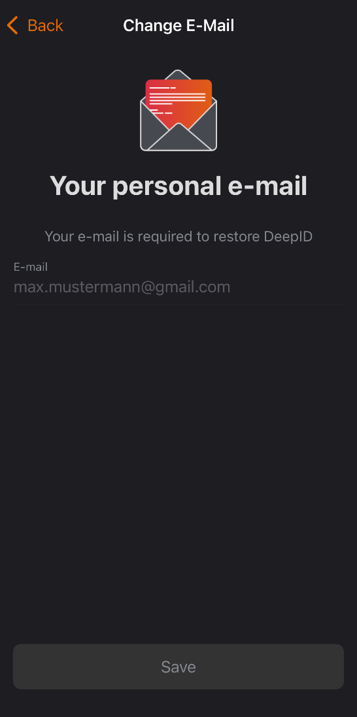
Change email address:
The email address can also be changed in the profile management. To do this, the new e-mail address can be entered and then verified. When choosing the e-mail address, we recommend using the private one, as the DeepID is linked to the personal identity.
The email address is not automatically synchronized with the DeepCloud account, as you can link several DeepCloud accounts per DeepID (e.g. for business and private use).
Customize address:
The recorded address can also be adjusted. If possible, this is compared with the postal register to ensure appropriate quality.
Did this answer your question?
Related articles
Direct linking of your DeepID with your DeepCloud account
DeepCloud enables users to start their identification process directly via the admin dashboard. Unverified users can start the verification process there directly and start the ...

Identification with DeepID
How do I sign qualified if I do not yet have an account and DeepID? 1. Press the “View document” button 2. Create an account in three steps a) Verify e-mail address b) ...
DeepID / DeepSign supported ID cards and domiciles
Various documents are supported for identification with DeepID: The following domiciles are also supported for signing with DeepSign: