DeepMail Recipient Registration
Automatically translated
User Onboarding
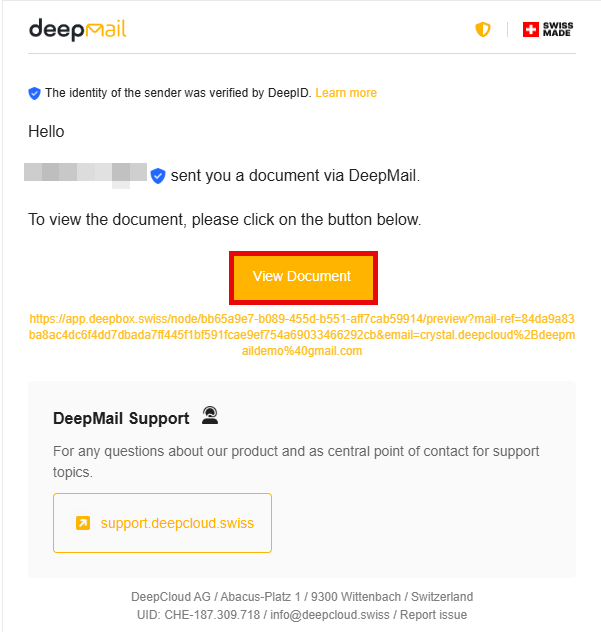
When documents are sent via DeepMail (e.g. from Abacus), the recipients receive an email notification of the new delivery. They can click the button in this email to retrieve the document and begin the registration process.
Step-by-step instructions:
- Access the document
Click on the “View Document” button in the notification email.
- Create an account
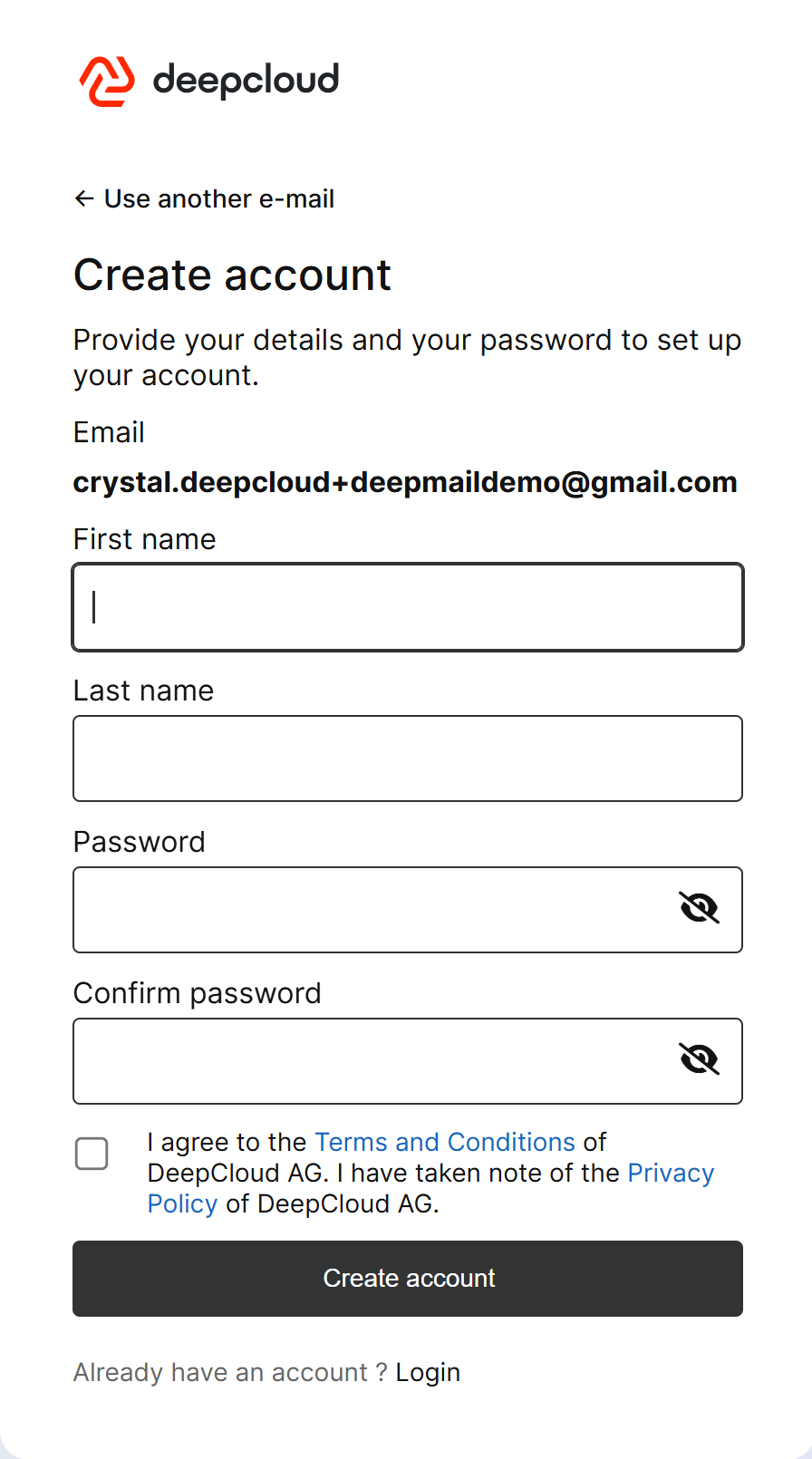
To create an account, simply define your first name, last name, and a secure password, and accept the terms and conditions.
- Verify your email address
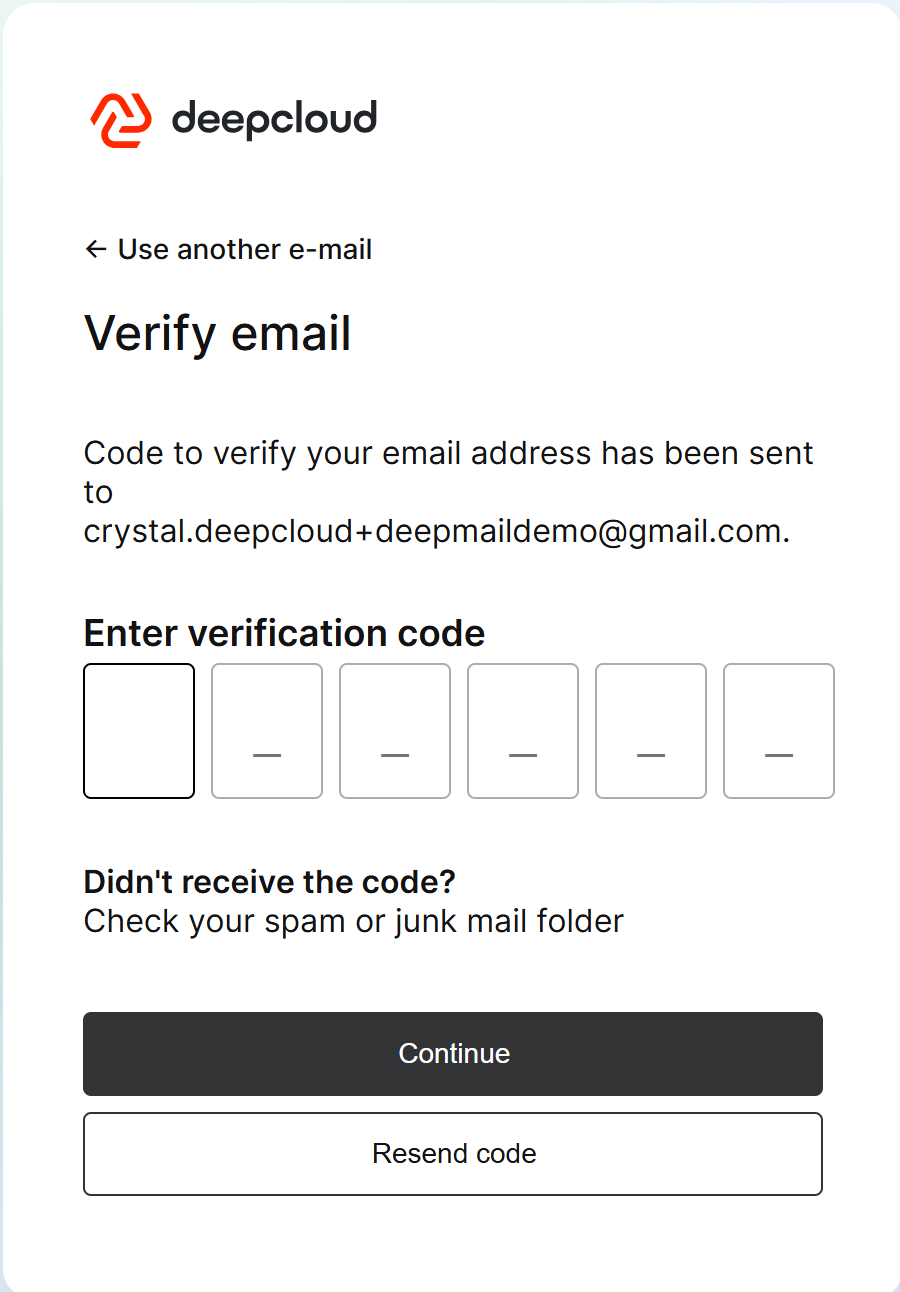
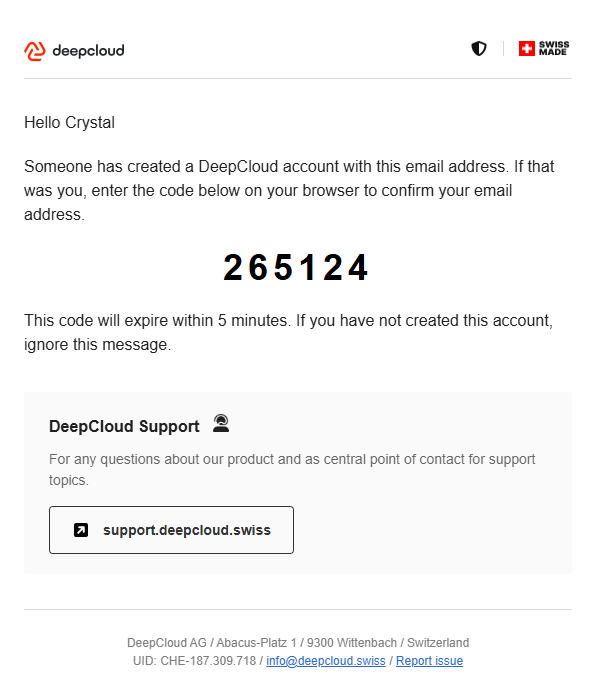
Afterwards, a 6-digit code will be sent to the specified email address. Enter this code to verify your email address.
- Access the document
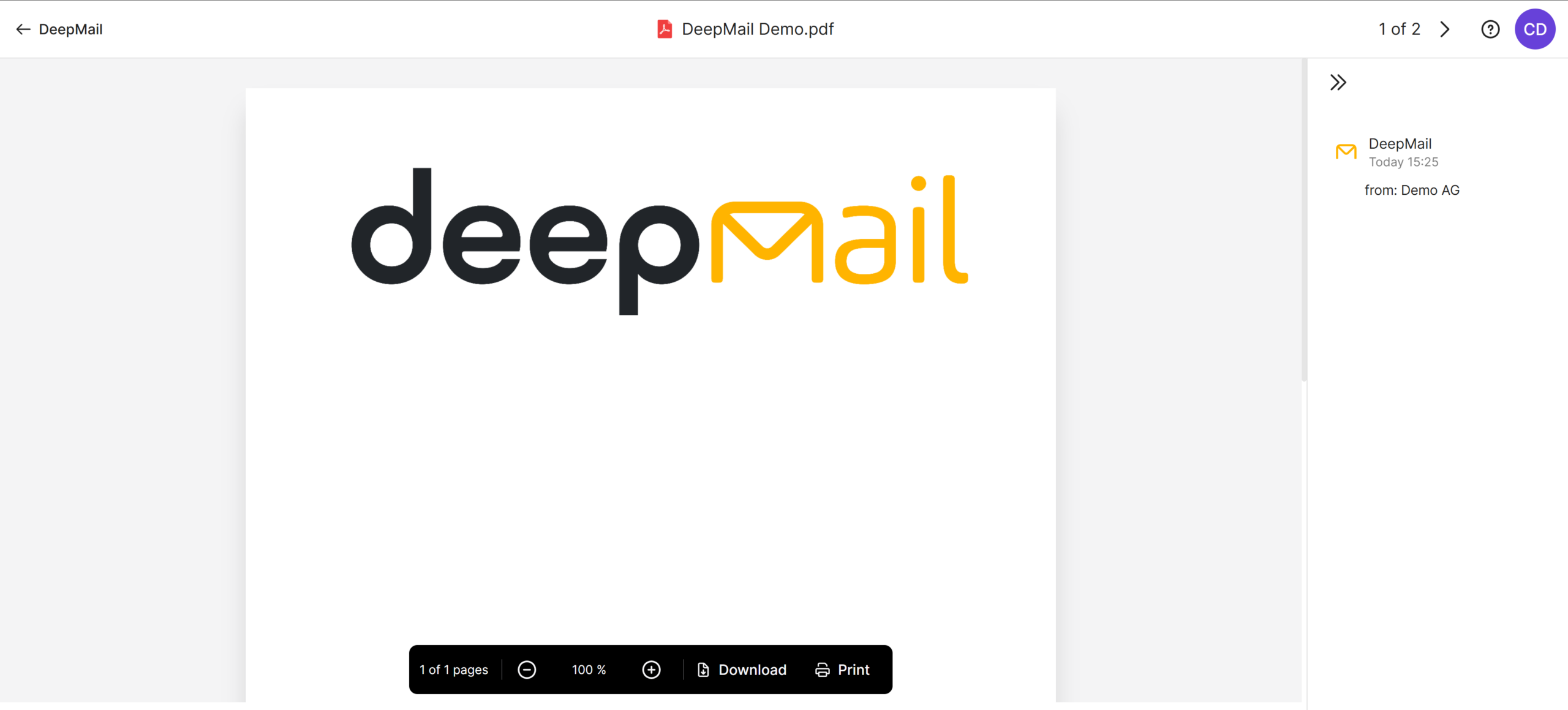
After successful verification, you will have immediate access to your personal DeepMail account and can view the received document.
Did this answer your question?
Related articles
Was ist DeepMail?
DeepMail ist ein neuer DeepService der DeepCloud AG, welches den Organisationen ermöglicht, vertrauliche Dokumente durch zusätzliche Zugriffsbeschränkungen sicher zur Verfügung...
DeepMail Configuration in Abacus
Prerequisite: Version 2024/2025Version 2023 with ServicePack “next” Configuration: 1. Create a DeepCloud account 2. Q989 – Open Secure Mail Administration Select ...
Technical requirements
Incoming connection Webhook accessibility SSL certificate Externally presented certificates (public certificates) must be valid and contain all intermediate certificates. ...