DeepSign integration for Word
Automatically translated
With the add-in, important documents can be securely sent, signed or sealed directly from Word. It is a convenient way for individuals and organizations to add signatures to contracts, offer letters and other Word documents.
The following link provides instructions for integrating DeepSign as an add-in:
MS Administrator:
User:
To sign directly from Word with DeepSign, proceed as follows:
- Click on sign in Word via the “DeepSign” tab.
- In the next step, log in with your user data.
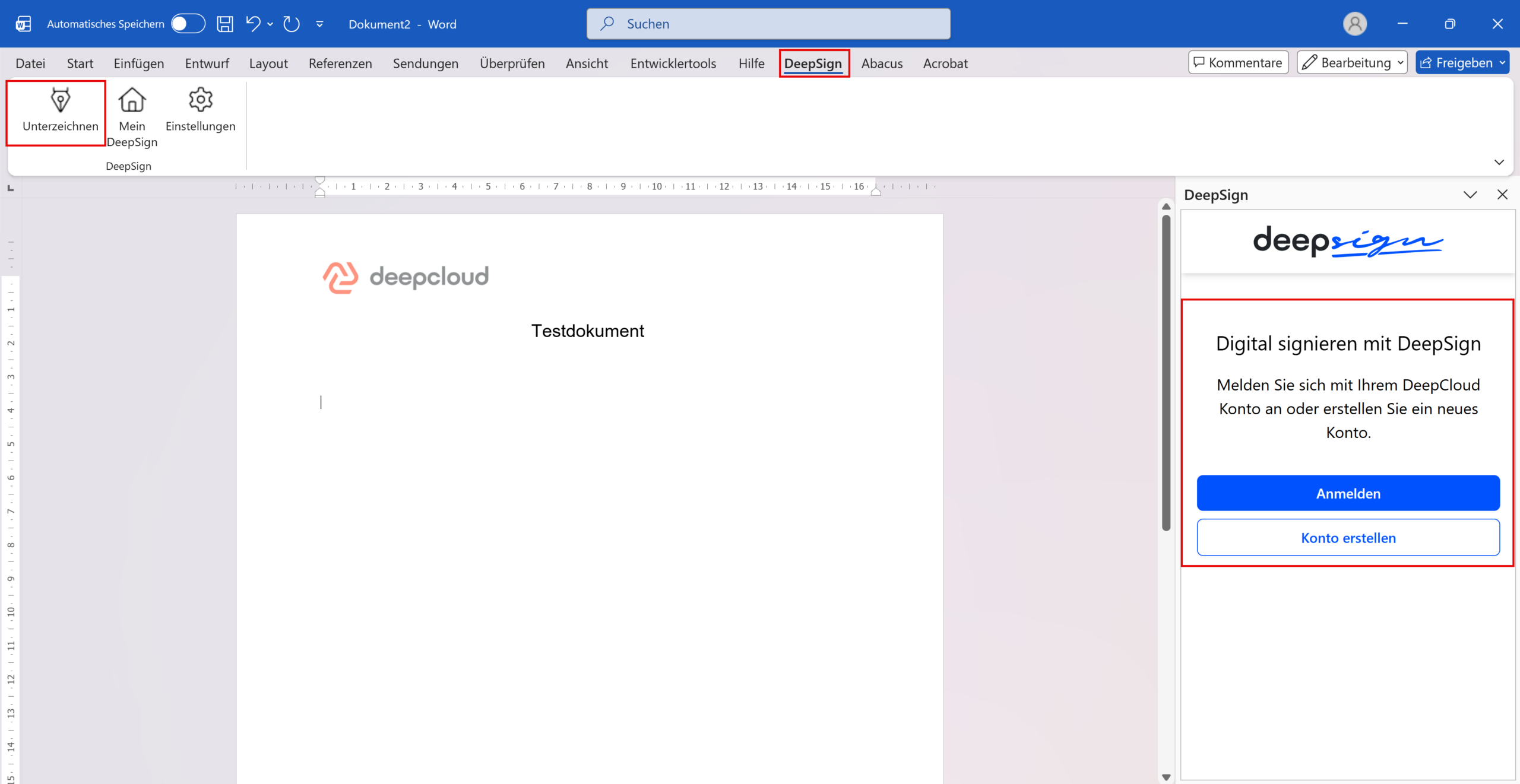
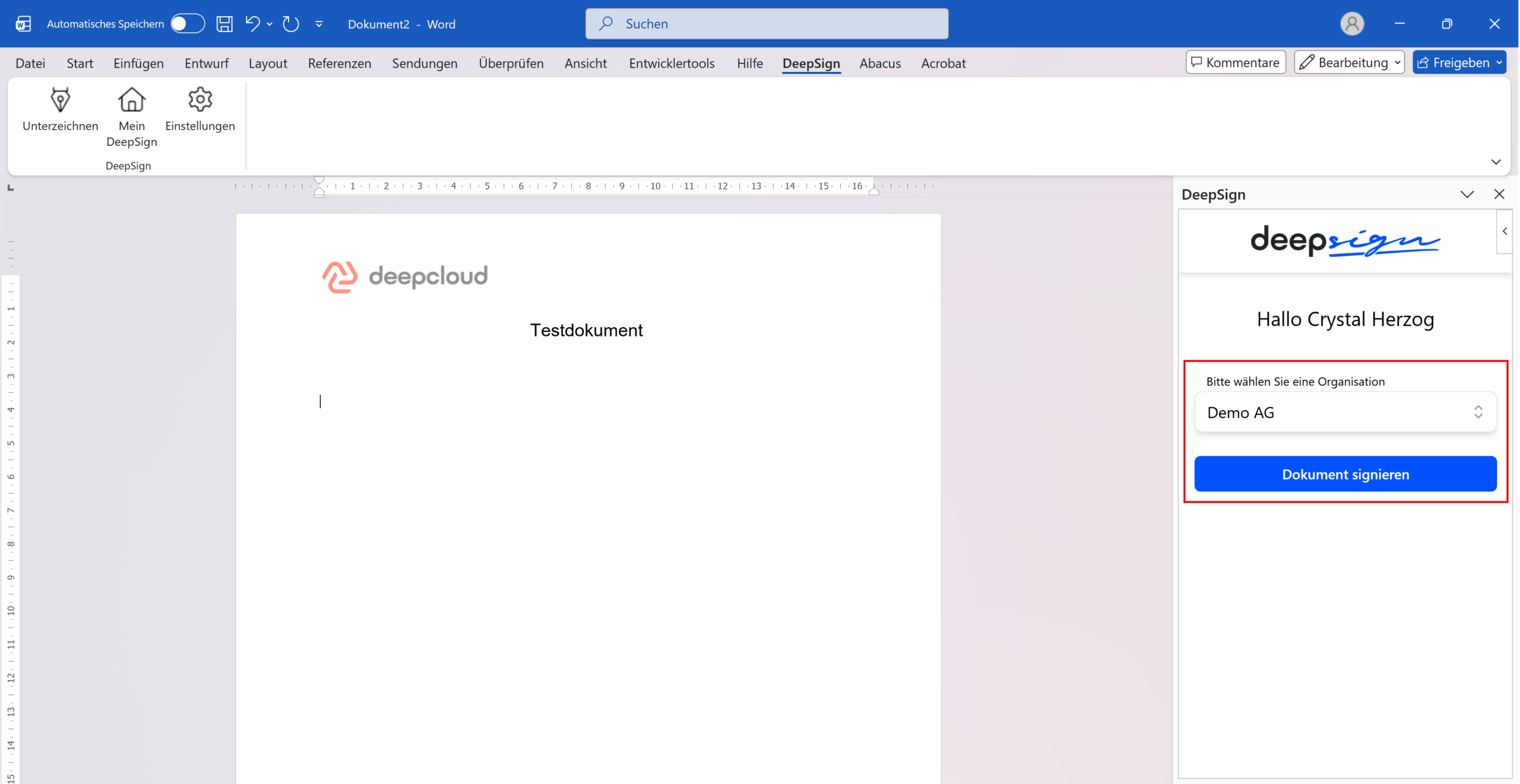
- Click on Sign document to switch to DeepSign.
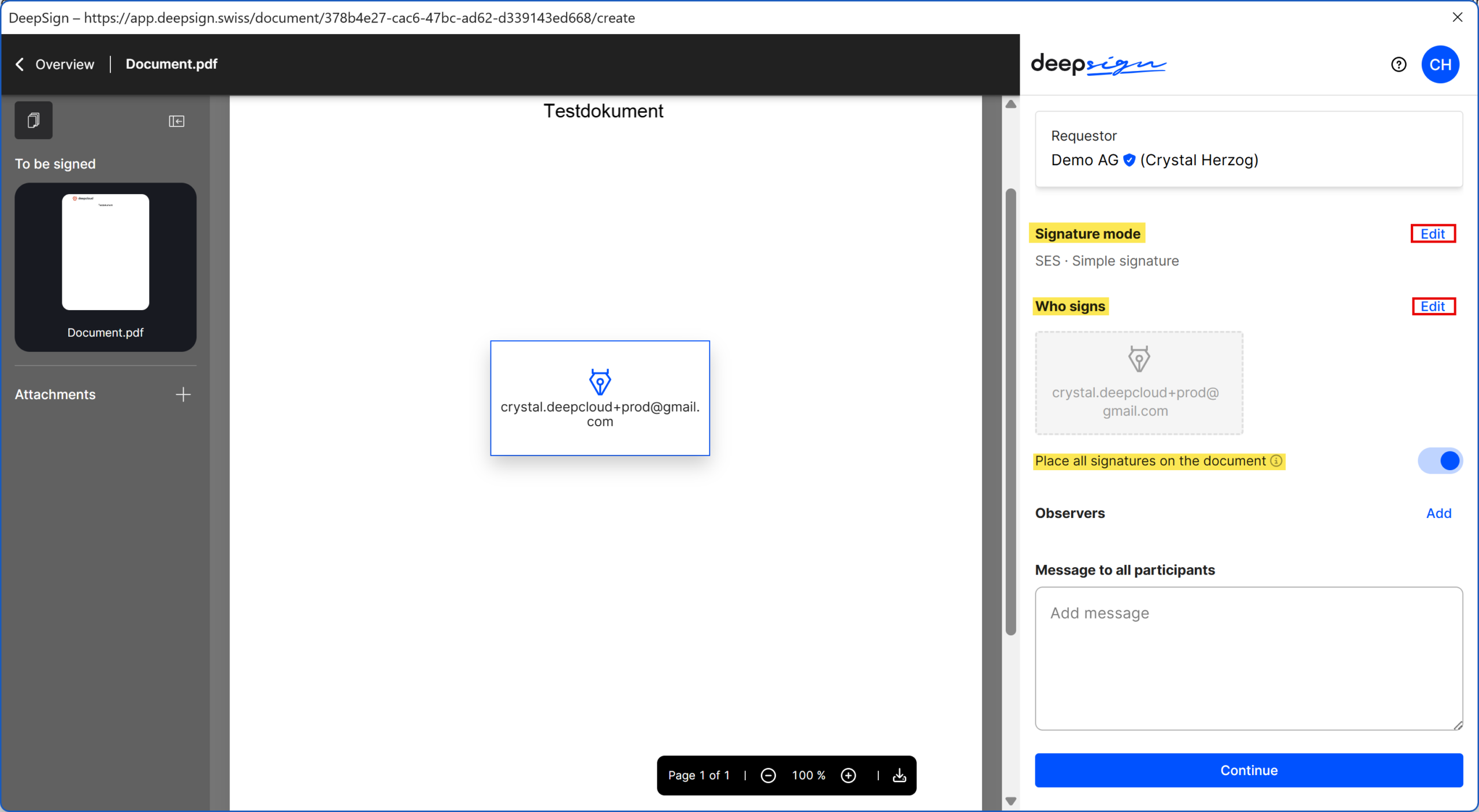
- Define the desired functionalities in the editor (signature mode, invite signatories, place signature)
- Click on “Sign now” to confirm
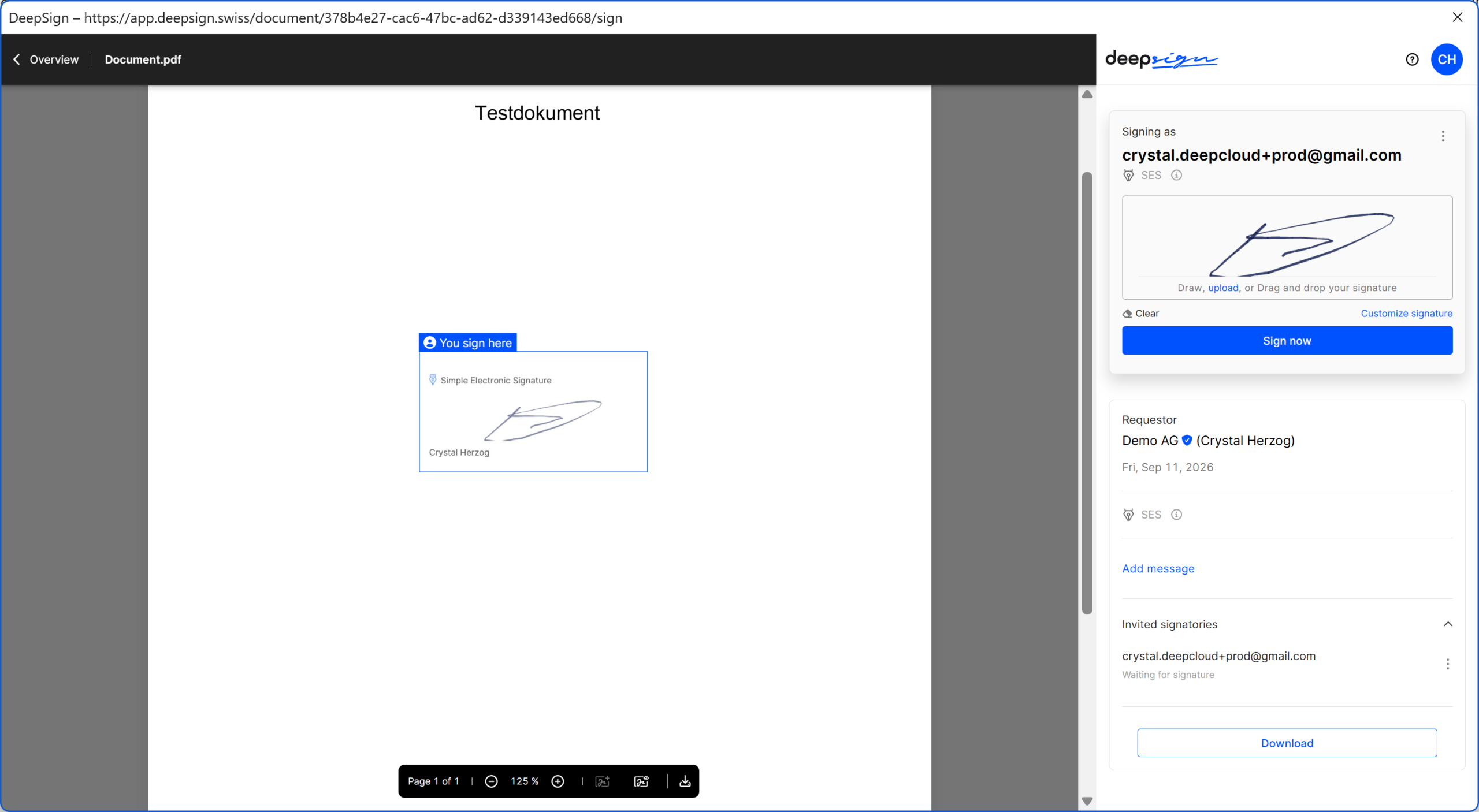
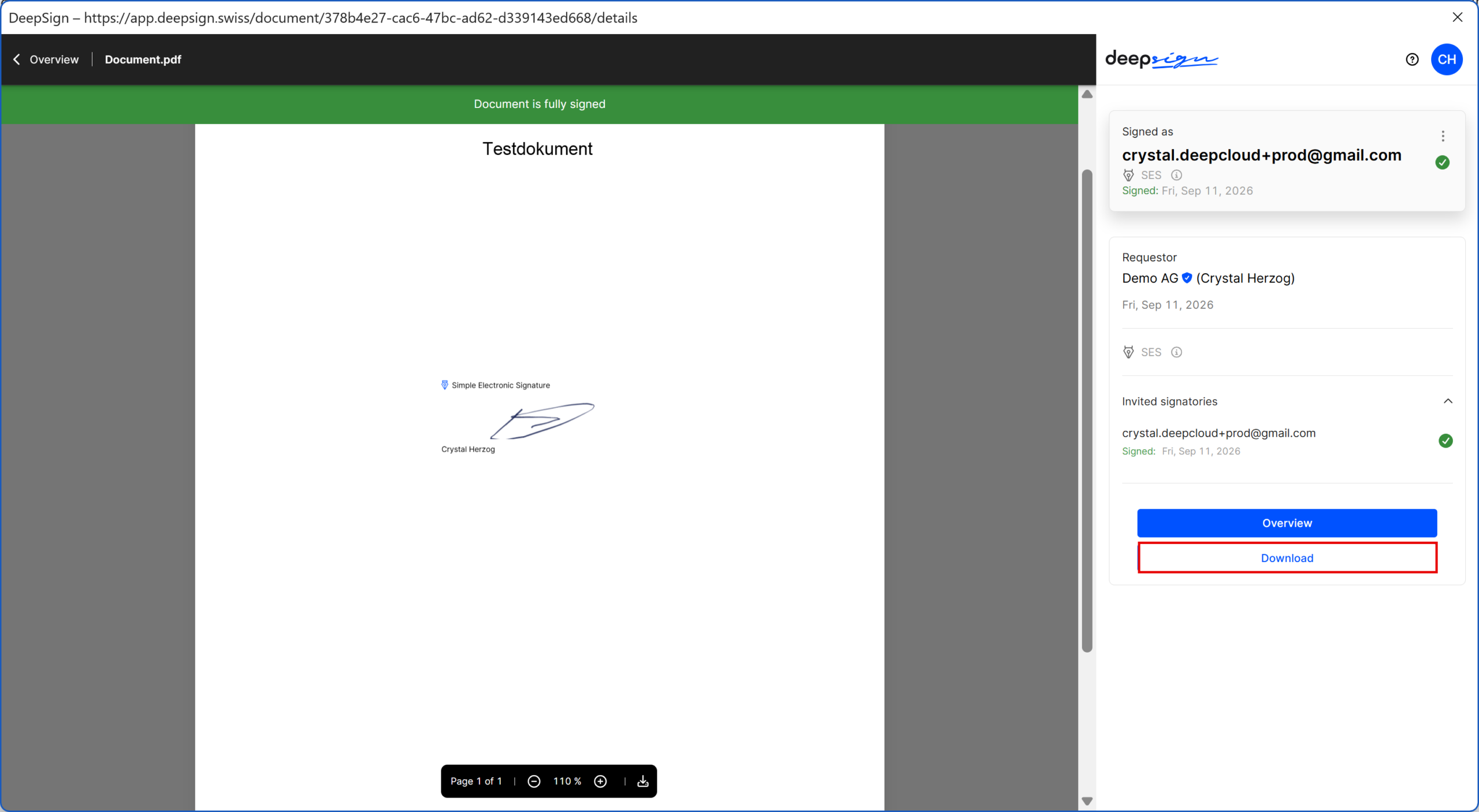
- In the final step, you have the option of signing the document directly. The signed document is available for download in the DeepSign Cockpit for 14 days before it is deleted.
Did this answer your question?
Related articles
DeepSign integration for Outlook
With DeepSign for Outlook, you can seamlessly sign documents or request signatures for email attachments, all without leaving your Outlook inbox. It’s conveniently accessible ...
DeepSign integration for Sharepoint
DeepSign for SharePoint Online enables organizations to securely send important documents from SharePoint Online or OneDrive for signature. Users do not even need to have their own...
What are the requirements for an Abacus integration?
The Abacus integration provides many more options for using the DeepBox. It is possible to greatly simplify processes and achieve an increase in efficiency. Version Licenses ...

