Trigger payment manually
Automatically translated
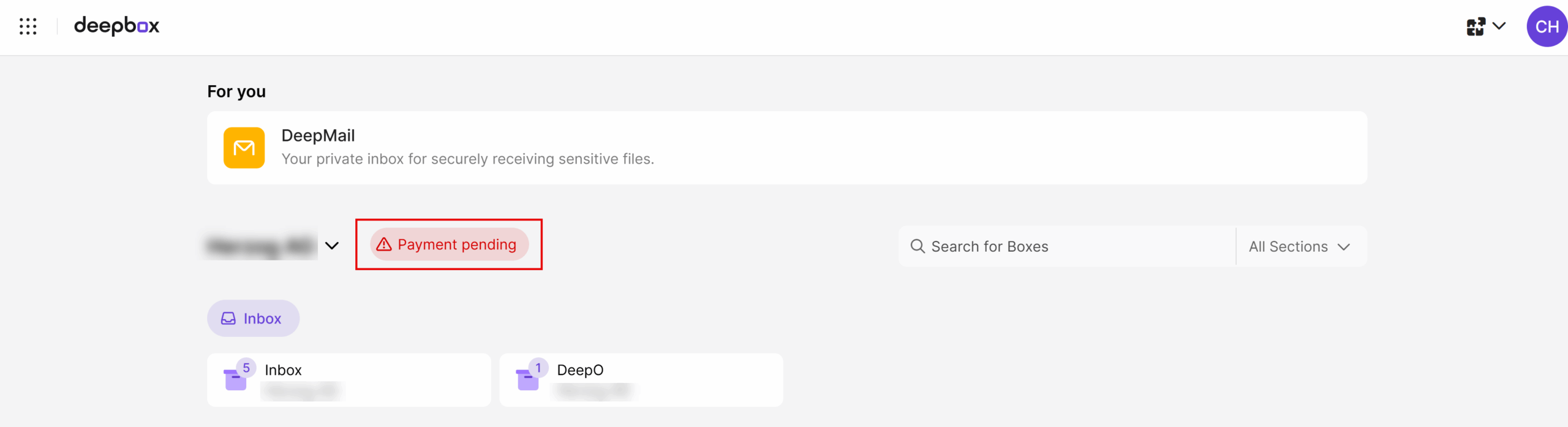
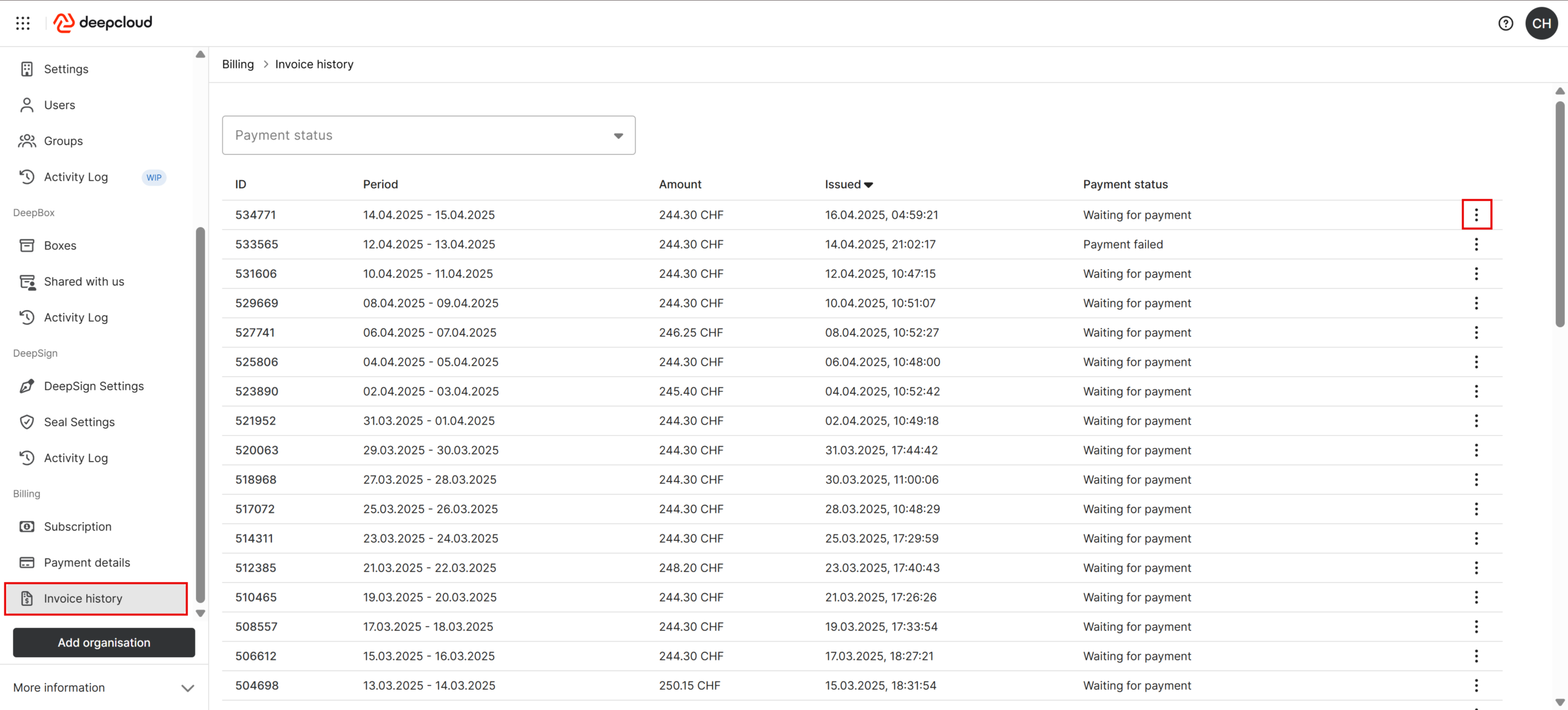
As owner of organisation you can trigger an outstanding payment manually. To do this, go to account management at “invoice history”.
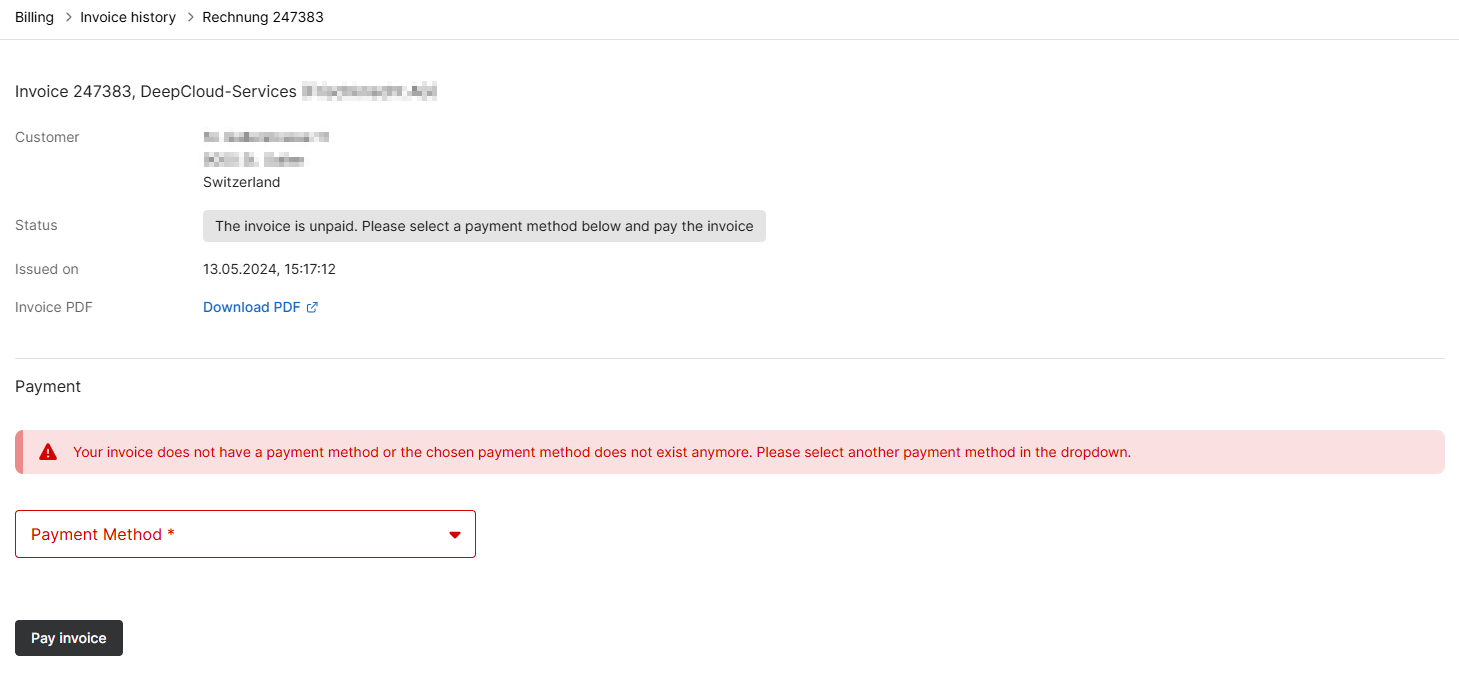
Select the outstanding invoice. If necessary, change the payment method and then click on the “Pay invoice” option.
Did this answer your question?
Related articles
How can I change my subscription?
You can make changes to your subscription yourself under the menu item “Subscription” in the account management. You can access the subscription overview under ...
How can I activate the DeepV subscription?
In the account management (DeepAdmin), you can independently activate a DeepV subscription under the “Subscription” menu item. For testing purposes, you initially have 10 free ...

