Install and set up DeepBox Drive
Automatically translated
Local and secure management of your documents
With DeepBox Drive, you can easily manage documents and other files on your desktop (add, rename, structure, move, delete) – even offline. As soon as you have an internet connection, all changes are automatically synchronized with the DeepBox Cloud. Synchronization takes place in both directions: Adjustments in the DeepBox Cloud are also automatically transferred to DeepBox Drive on your desktop.
Availability and installation
DeepBox Drive is available for both Windows and macOS operating systems. There are two ways in which the app can be installed:
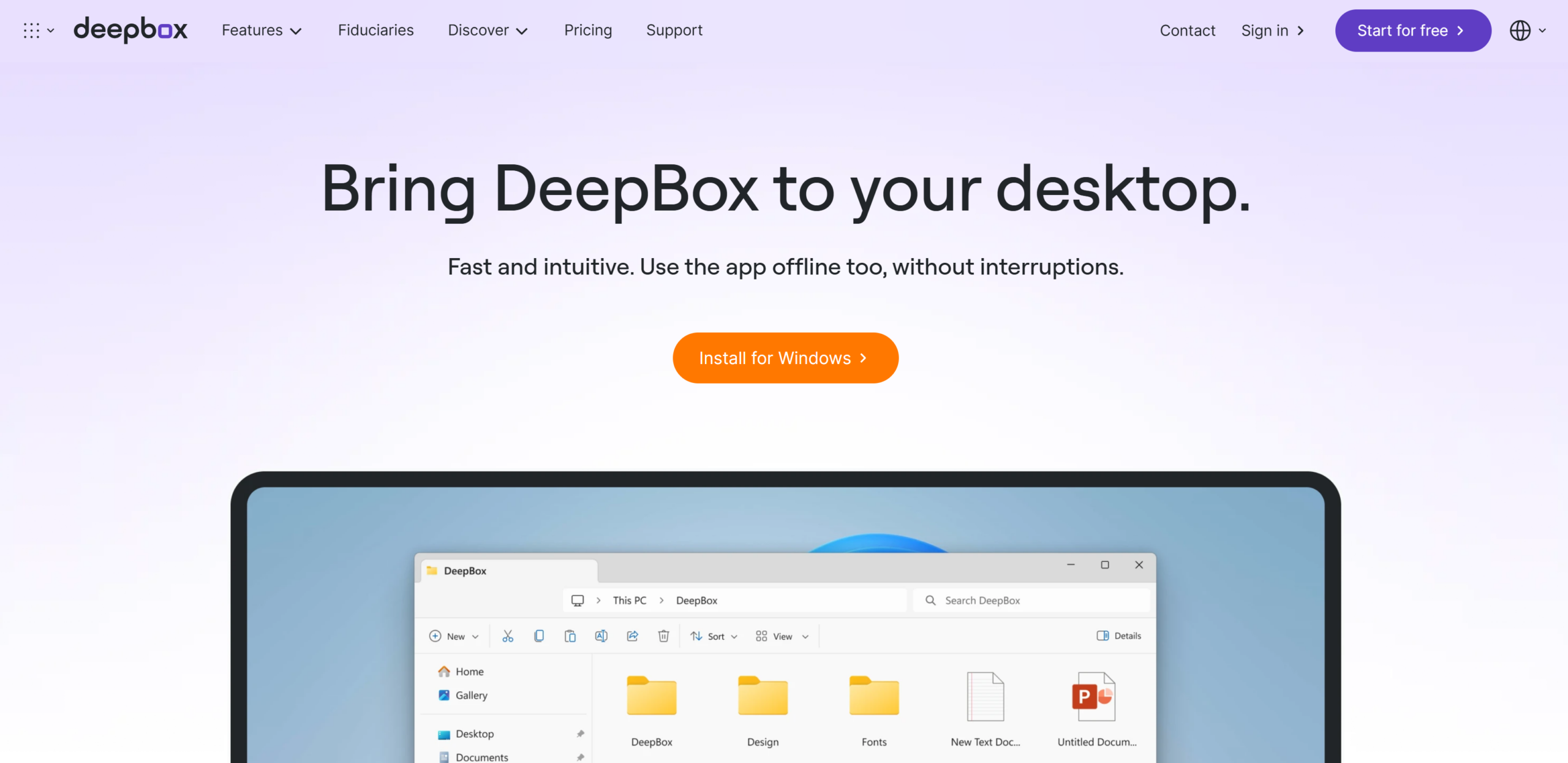
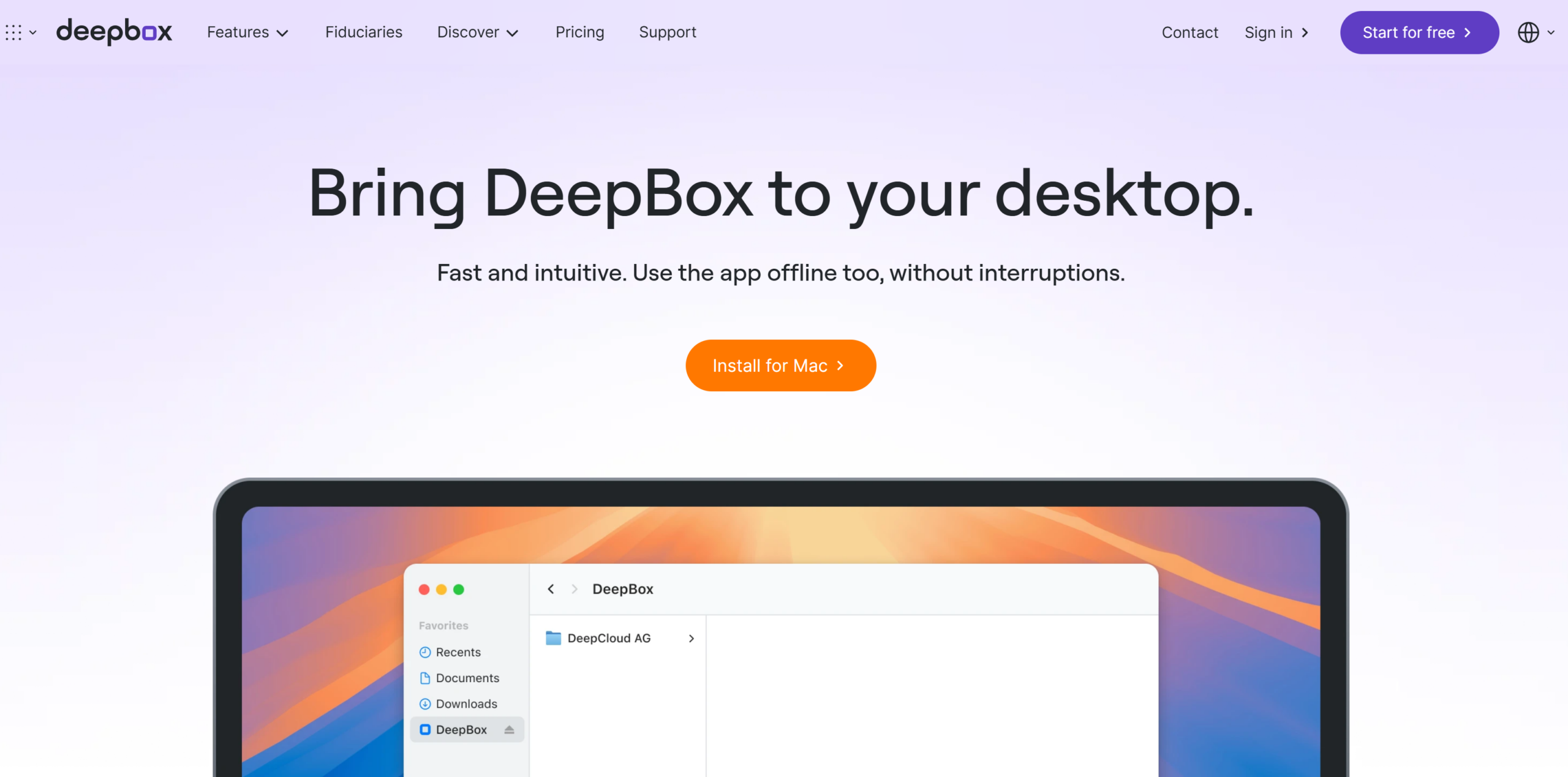
- Download and install directly from the DeepBox website:
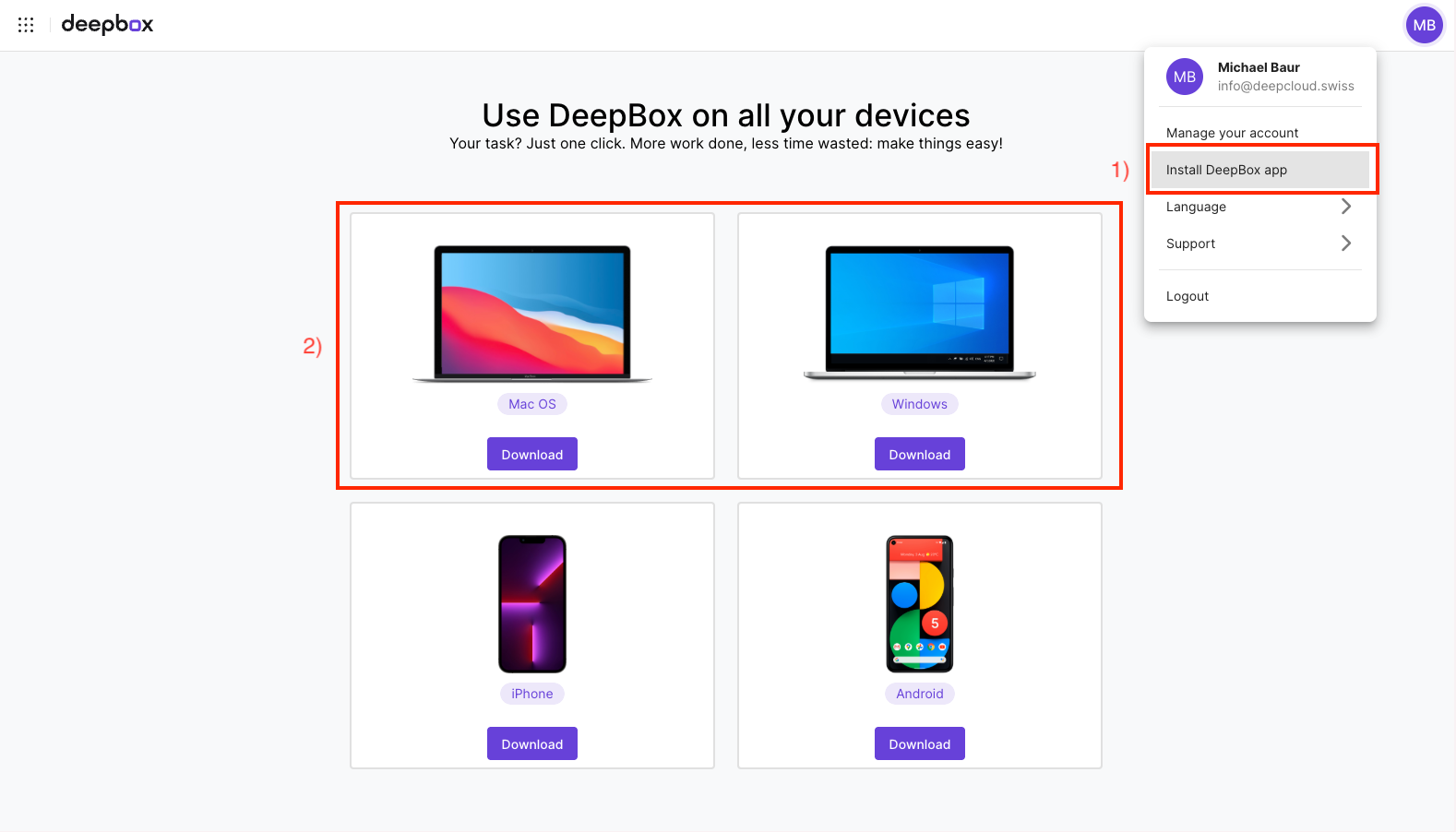
- Download and install via the DeepBox Cloud solution:
DeepBox Drive setup ready
- Log in with your DeepCloud account
- Make sure that “integrated” is set as the connection mode
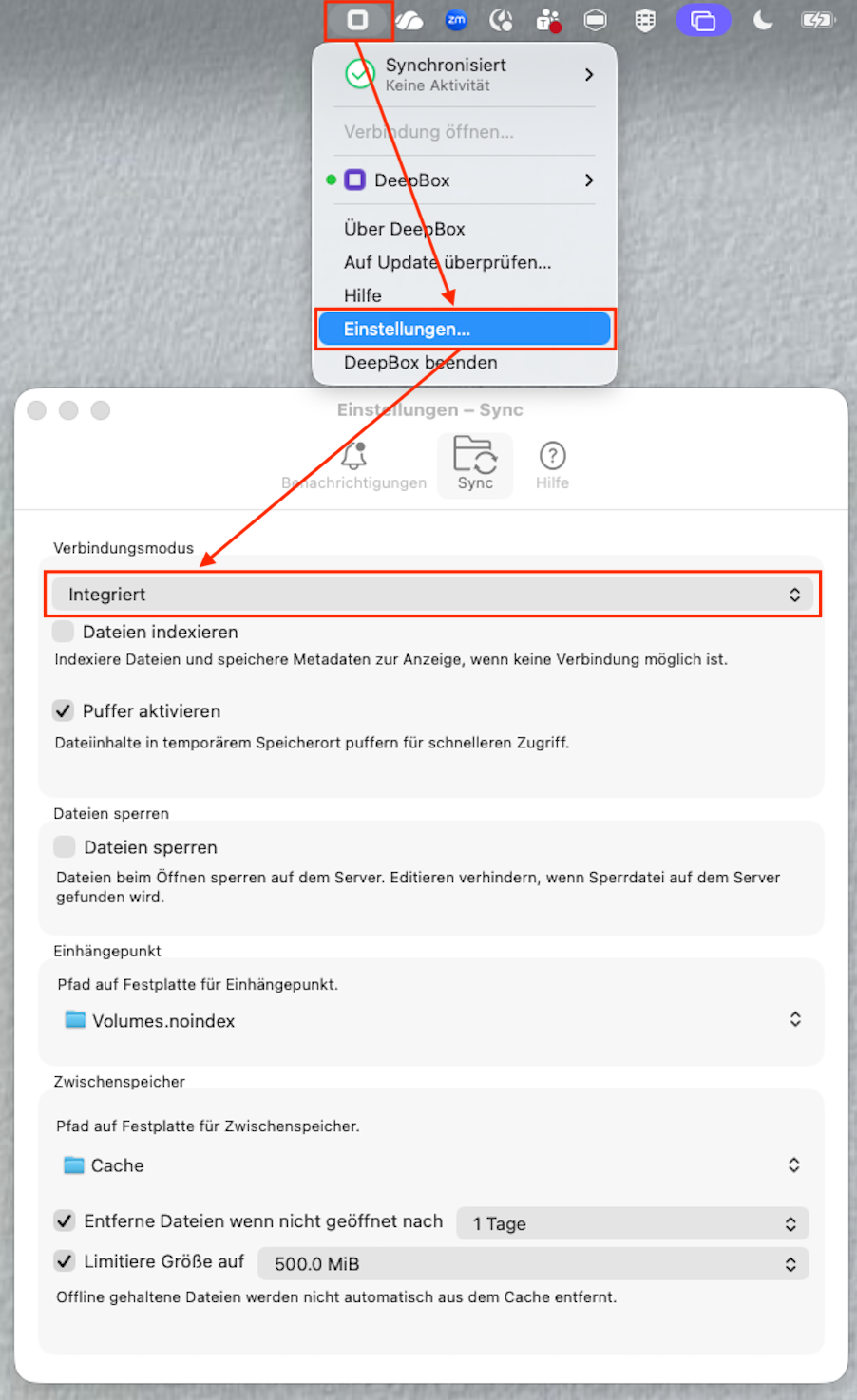
3. optional: select the “Activate buffer” checkbox
Did this answer your question?
Related articles
Mobile DeepBox-App
Mobile DeepBox Application Documents can be easily scanned using the DeepBox app, and the content is automatically analyzed and digitized through AI data capture. Additionally, ...
Problems with DeepBox Drive? Here's what you can do
Solution in most cases In most cases, it helps to restart DeepBox Drive completely. You can do this as follows: Synchronization does not work If you have added new files but they ...