Why is my account blocked?

Automatically translated
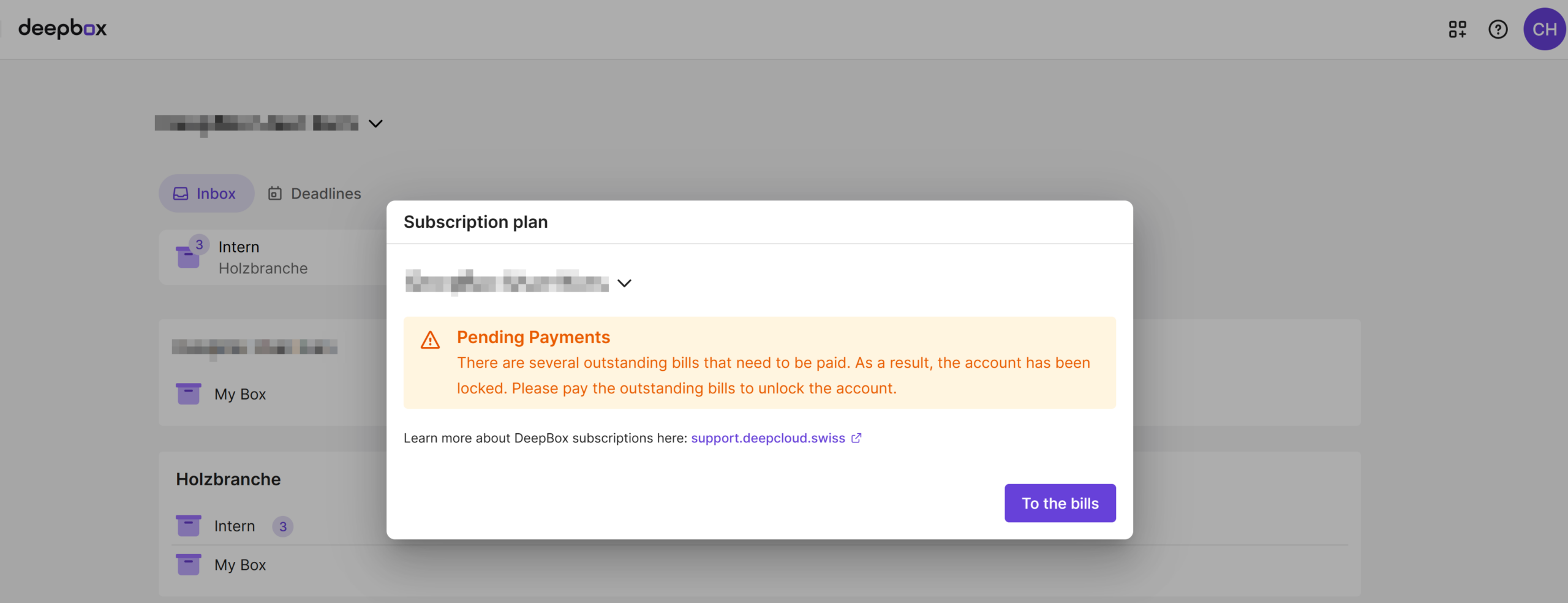
There are various reasons why access to DeepBox or DeepSign may be restricted. The blocking depends on which product you use and which costs are incurred.
Missing payment method
If no valid payment method is stored in the organization, the account will be blocked as soon as chargeable actions are carried out:
- DeepBox: Blocking occurs, for example, when upgrading the subscription or when adding a paid box (e.g. Advanced box)
- DeepSign: Blocking occurs if an invitation for paid signatures is to be sent
The free subscription can be used without a payment method as long as no paid functions are activated or used.
Overuse of the account
This only affects DeepBox if the usage limits included in the current subscription are exceeded:
- Too many users for the booked subscription (e.g. more than 3 users in the free subscription)
- Exceeding the storage space quota
- Exceeding the permitted clearances per box
As soon as a corresponding subscription upgrade or add-on has been selected and paid for, use can be resumed.
Outstanding invoices
From three unpaid invoices, products in your account will remain blocked until the outstanding amounts have been paid. This applies to both DeepBox and DeepSign.
Note for DeepBox users: If there are fewer than three outstanding invoices, a notice is displayed in the owner dashboard at an early stage without blocking use.
What can I do?
Owner of the organisation
If you are the owner of the organization, you can remove the lock yourself by:
- Provide a valid payment method (credit card or invoice from subscription Compact)
- Settle outstanding invoices
- Upgrade your subscription or activate and pay for a suitable add-on
After successful execution, access is automatically restored.
Member of the organization
If you are a member or admin of the organization, please contact the owner of your organization. They can take the necessary steps to unblock the account.
Did this answer your question?
Related articles
Trigger payment manually
As owner of organisation you can trigger an outstanding payment manually. To do this, go to account management at “invoice history”. Select the outstanding invoice. If ...

How do I change a payment method?
The payment method can be adjusted and managed by the owner of the organization in the account management under “Billing Information“. In the “Payment ...
How can I change my subscription?
You can make changes to your subscription yourself under the menu item “Subscription” in the account management. You can access the subscription overview under ...