Global two-factor authentication
Automatically translated
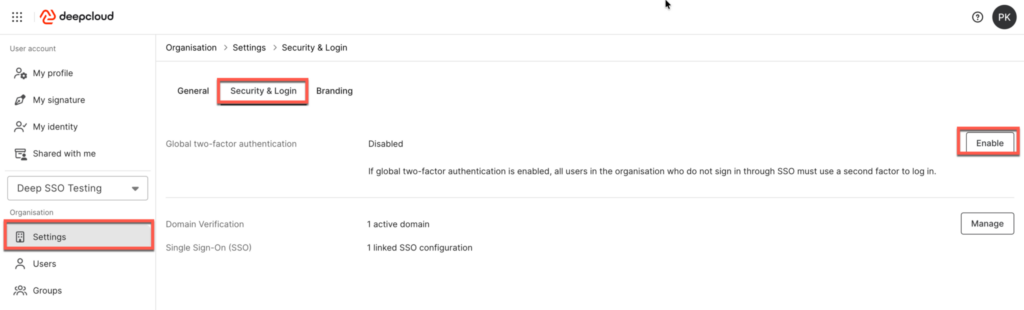
As the owner of an organisation, you can also enable global two-factor authentication. When this option is enabled, two-factor authentication is mandatory for all users of the organisation who do not sign in via Single Sign-On (SSO).
This setting can be enabled in the organisation settings under “Security & Login”.
Did this answer your question?
Related articles
Two-Factor Authentication – 2FA
Two-factor authentication provides an extra layer of protection for your DeepCloud account against unauthorized access. When logging in, you’ll need both your password and a ...
SSO configuration
As an owner or administrator of your organisation, you can configure Single Sign-On (SSO) via an identity provider (IdP) for your DeepCloud environment. This ensures that ...
Where can I reset or change my password?
You can change your password in your account settings under “Security Settings” next to “Password.” If you have forgotten your password, you can easily ...

