Delete users & service users
Automatically translated
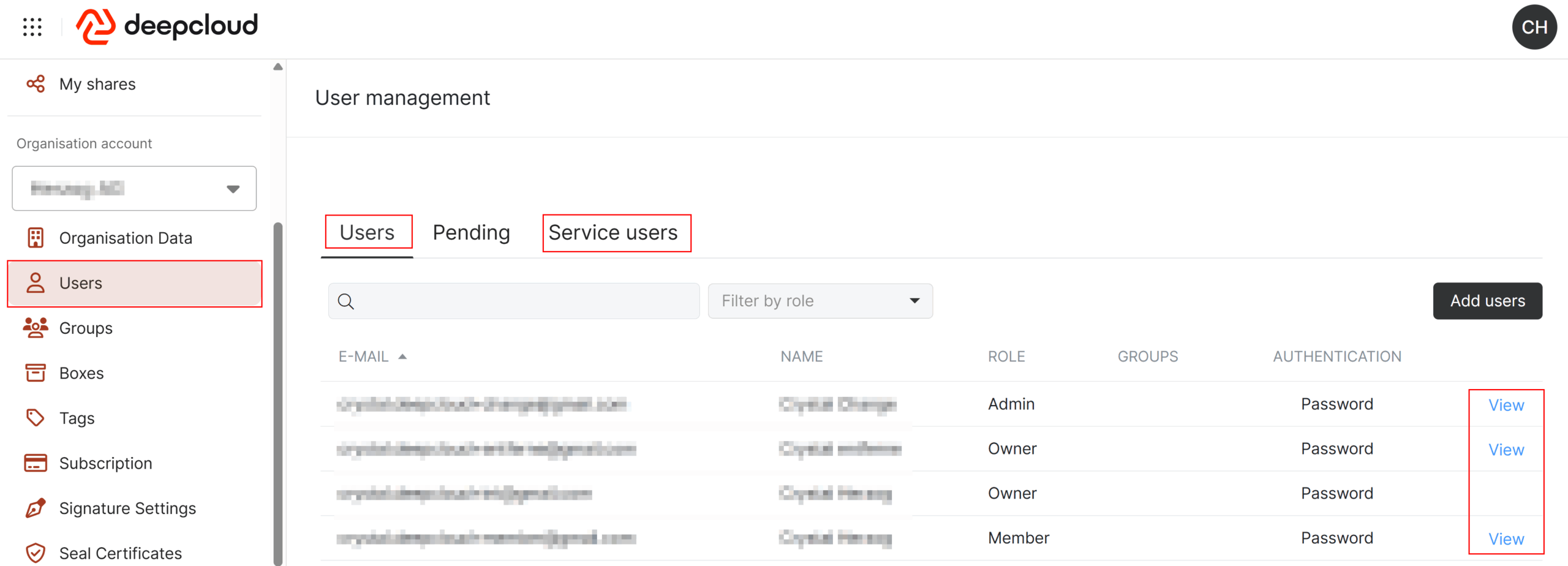
To delete users, stay in the account management and switch to “Users”. There you will see the list of active users, pending invitations and created service users. Delete all entries in these tabs to remove all access to the organization.
You cannot delete your own user. This is not necessary if, for example, you want to prepare an organization for deletion.
Did this answer your question?
Related articles
Delete DeepBox data
If you want to delete all DeepBox data, you can proceed as follows: Delete all sections (and therefore boxes) manually in the account management.
Withdraw or delete DeepSign documents
If you want to withdraw DeepSign documents, you have the following options: As a batch function in the DeepSign Cockpit: Go to the menu entry “Pending”, select all ...
How can I delete my organization?
Who can delete an organization? Only an Owner can delete an organization. Admins and Members are not authorized to perform this action. Where can I initiate the deletion of my ...