What is the DeepBox dashboard?

Automatically translated
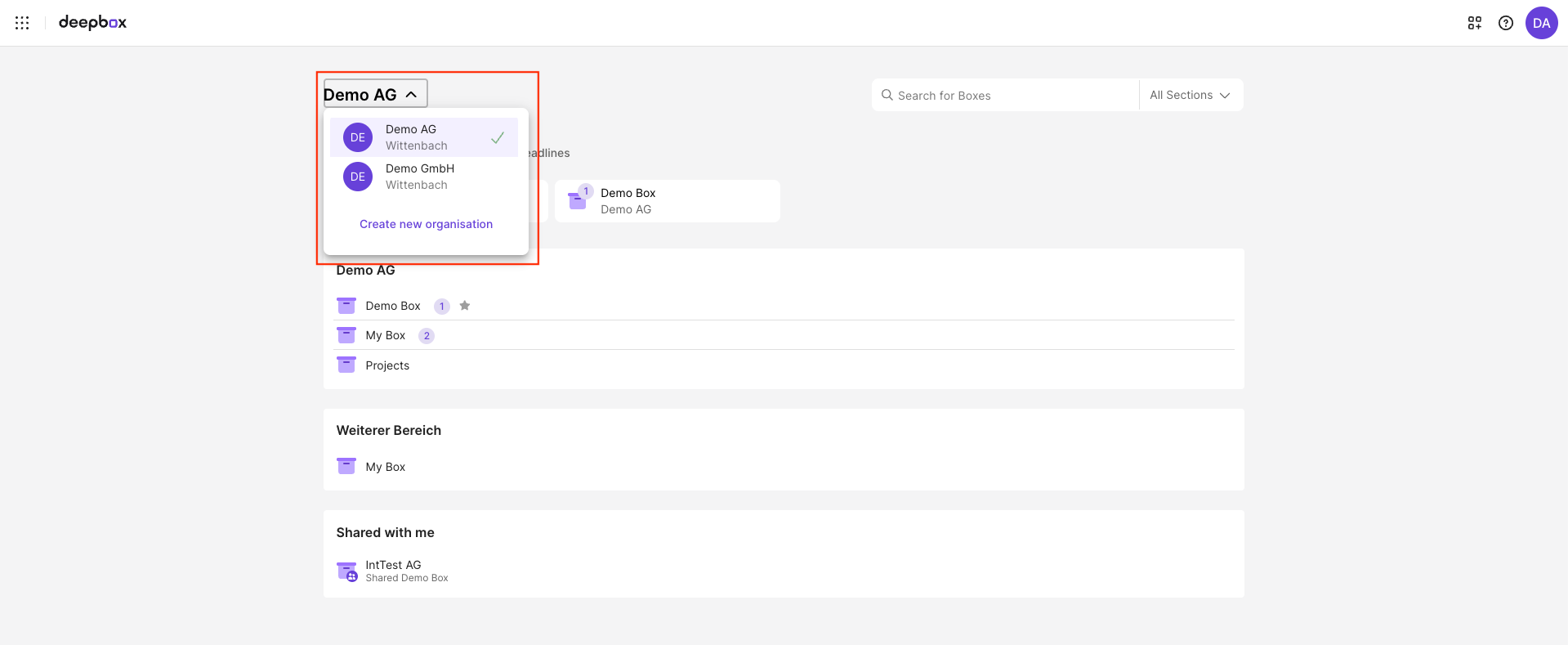
The dashboard is the central entry page in DeepBox. It provides a clear overview of the different sections and the boxes they contain, making navigation within DeepBox easier. The individual sections of the dashboard are explained in more detail below.
- Organisation selection: If you belong to multiple organizations, you can use the organization selector to switch between them.
- Filter options:
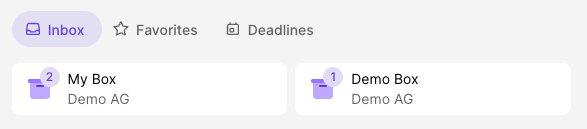
- Inbox: Each box has an inbox. When this filter is selected, all boxes whose inbox contains a new document or file are displayed.
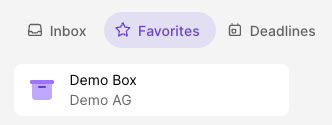
- Favorites: If you have saved boxes as favorites, you can use this filter to display all favorited boxes.
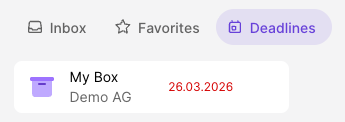
- Deadlines: This filter lets you display all boxes that contain at least one document or file with a set deadline.
- Inbox: Each box has an inbox. When this filter is selected, all boxes whose inbox contains a new document or file are displayed.
- Organization section: Each organization has its own default section in which the organization’s boxes are located.
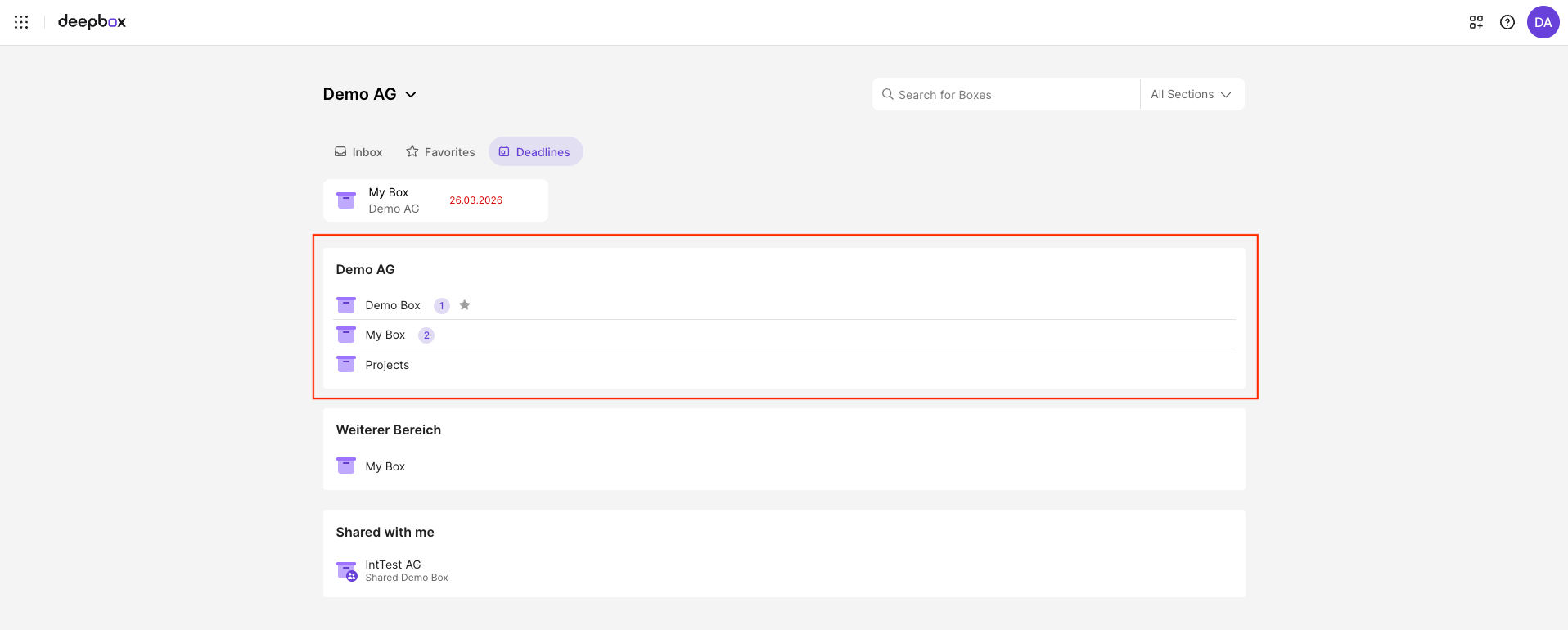
- Additional sections: As the owner of an organization, you can create additional sections to structure the organization’s DeepBox individually.
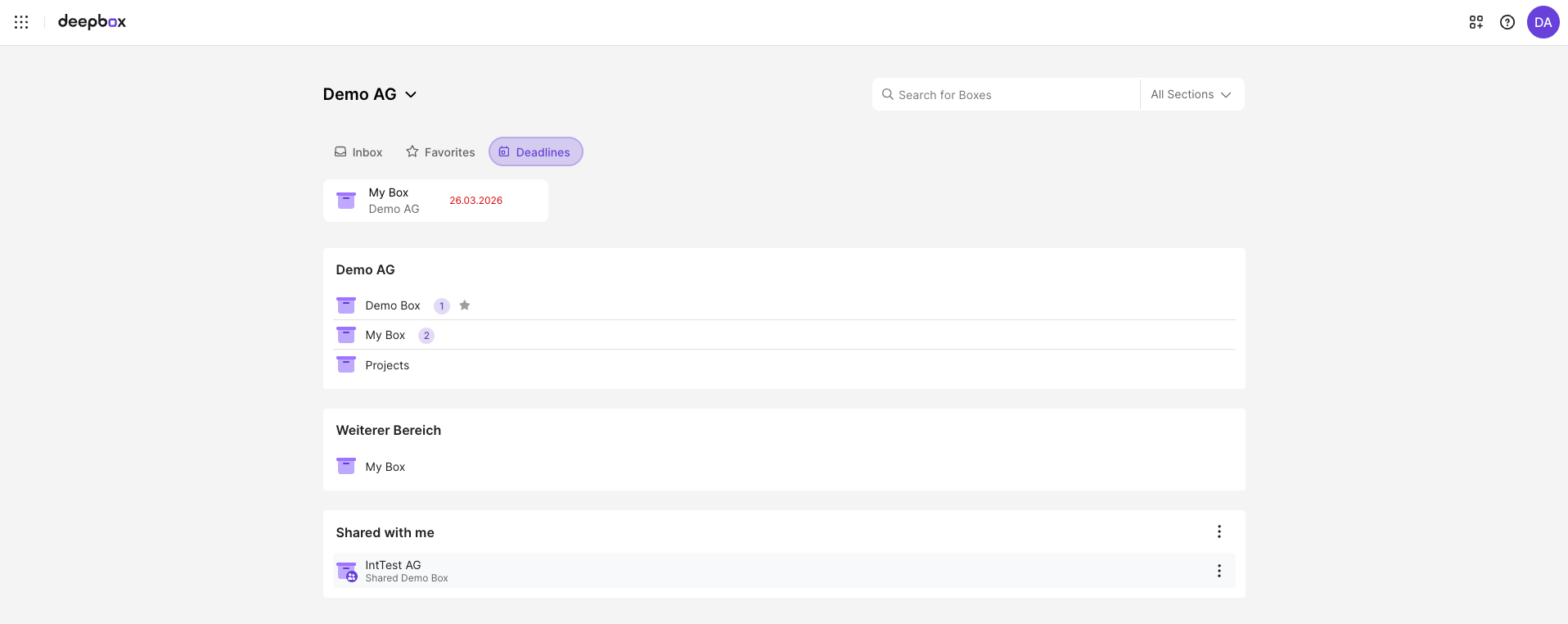
- Section “Shared with me”: The “Shared with me” section shows all boxes that have been shared with you by external organizations.
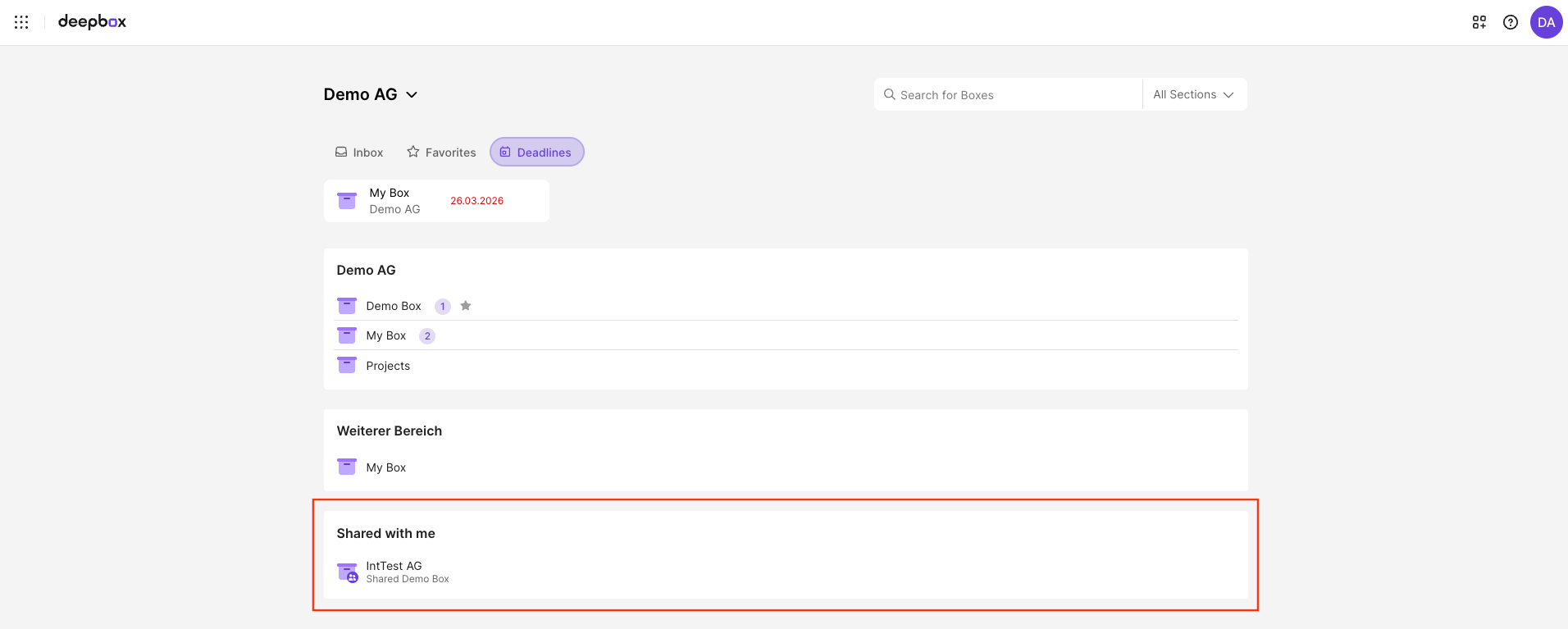
If a section contains a large number of boxes, you can click the section title to open it and view all boxes.
Did this answer your question?
Related articles
What is the “Shared with me” section?
The “Shared with me” section shows all boxes that have been shared with you by external organizations. It appears automatically as soon as a user from another organization ...

Manage sections
The DeepBox can be individually structured using sections. These sections can be managed in the account management under the “Boxes” tab. The sections can be accessed ...

How can I favor a box?
There are two ways to add a box to your favorites: The favorited boxes are displayed both on the dashboard and in the navigation element in the header, provided you are inside a ...
What is the inbox?
The inbox is the digital mailbox into which documents and files are uploaded or received. The files can be uploaded directly to the web app. There is also a desktop client and a ...
How do you work with deadlines?
What are deadlines? Deadlines can be set to prioritize certain files or documents or to establish a deadline for processing. Setting Deadlines in DeepBox A deadline can be set via ...