Registration process for external users
Automatically translated
If a box is shared with an external person, they will receive an invitation by email.
Note: How a box is divided and the authorization is assigned is described in the article Customizing access to a box (external sharing)
The further procedure for the external person is as follows:
- Open the invitation link: Click on the link in the e-mail to start the process.
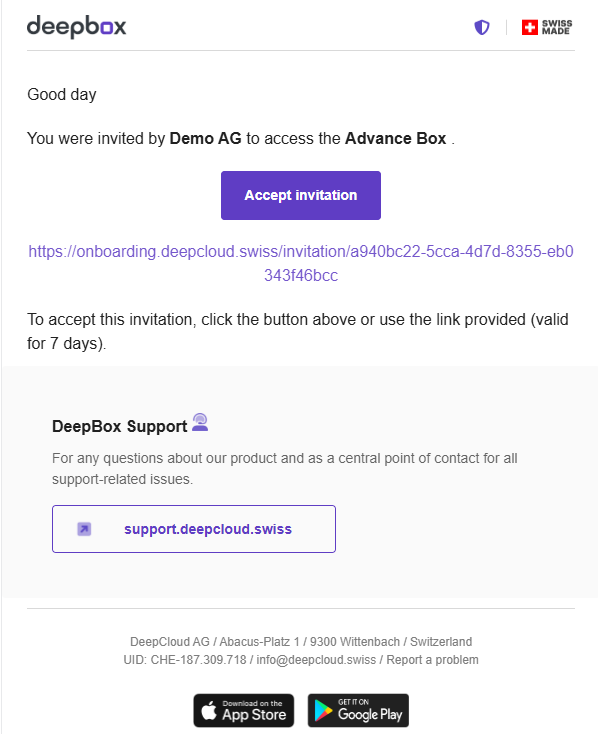
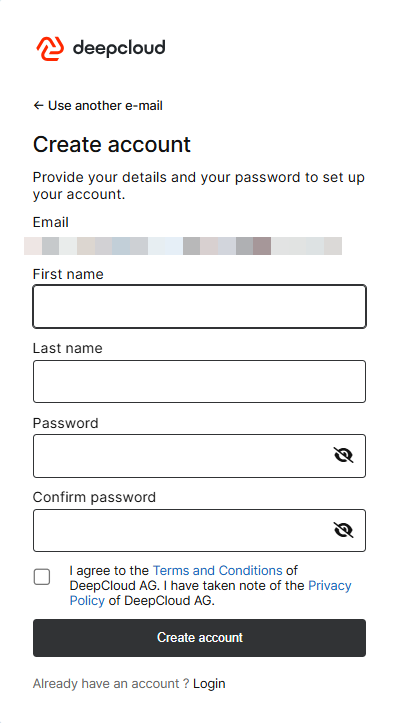
2. Go through the registration process: If a user account does not yet exist for the invited e-mail address, a new account must be created.
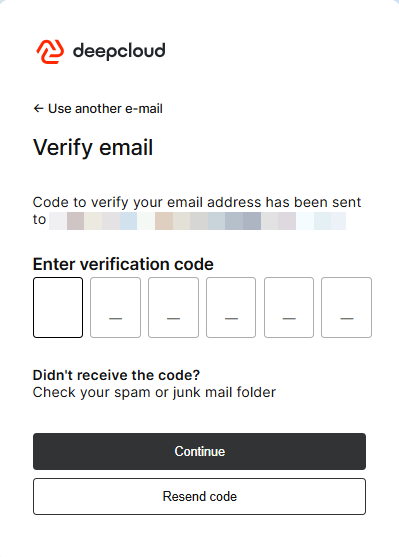
3. E-mail verification: After entering the personal data, a six-digit code is sent to the e-mail address for verification. This code must be entered in the corresponding field.
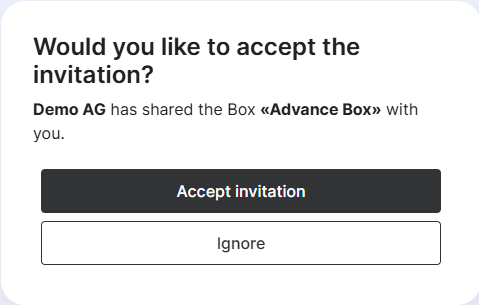
4. Accept invitation: At the end of the registration process, the invitation to the box can be finally accepted.
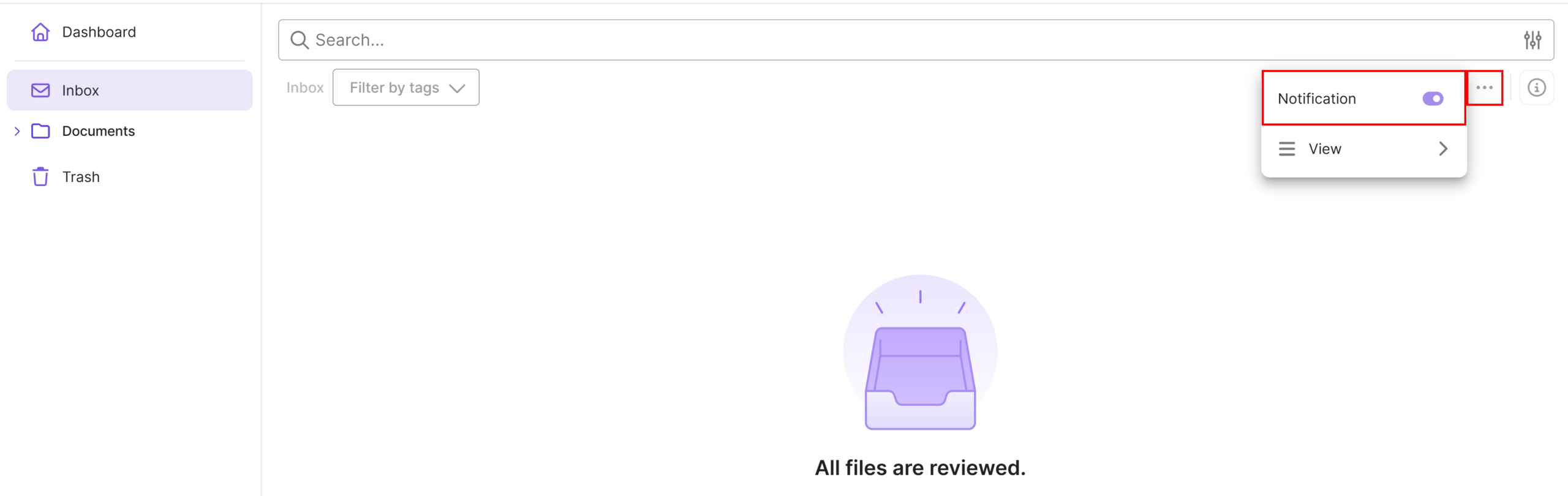
5. Note: If email notifications are not desired when new documents are uploaded to this box, they must be disabled within the box.
For more information on the notification feature, see the Notification Feature article.
2
Did this answer your question?
Related articles
Customize access to a Box (external Shares)
Owners, Admins, or Members with organisational rights on a Box can invite external users in DeepAdmin under “Boxes.” The management of external shares is carried out as ...
What is the “Shared with me” section?
The “Shared with me” section shows all boxes that have been shared with you by external organizations. It appears automatically as soon as a user from another organization ...
Notification function
INFO: This feature was callend “Observer function” in the past. If several users work with the same boxes, it can happen that they are not informed about all uploads ...